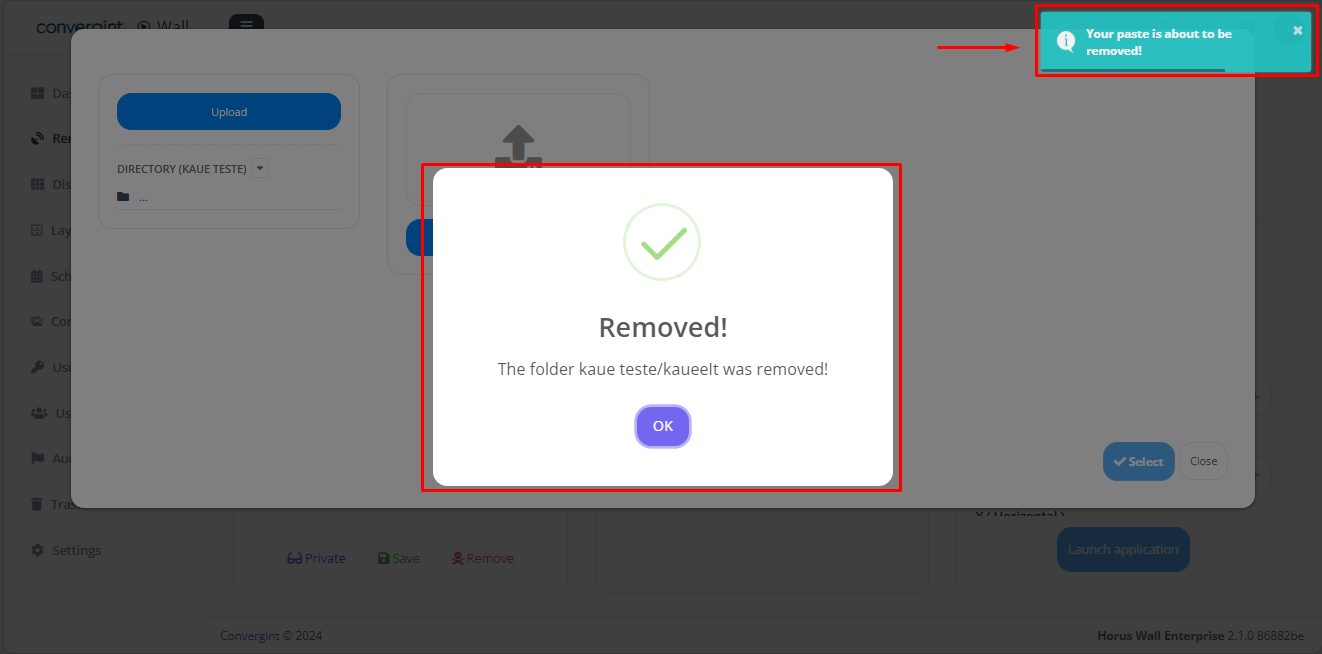
Subdirectory and directory removal
To remove a subdirectory and a directory, simply go to the "Remote Applications" tab in the "Launcher" and then click on "Upload" to access the previously created directory.
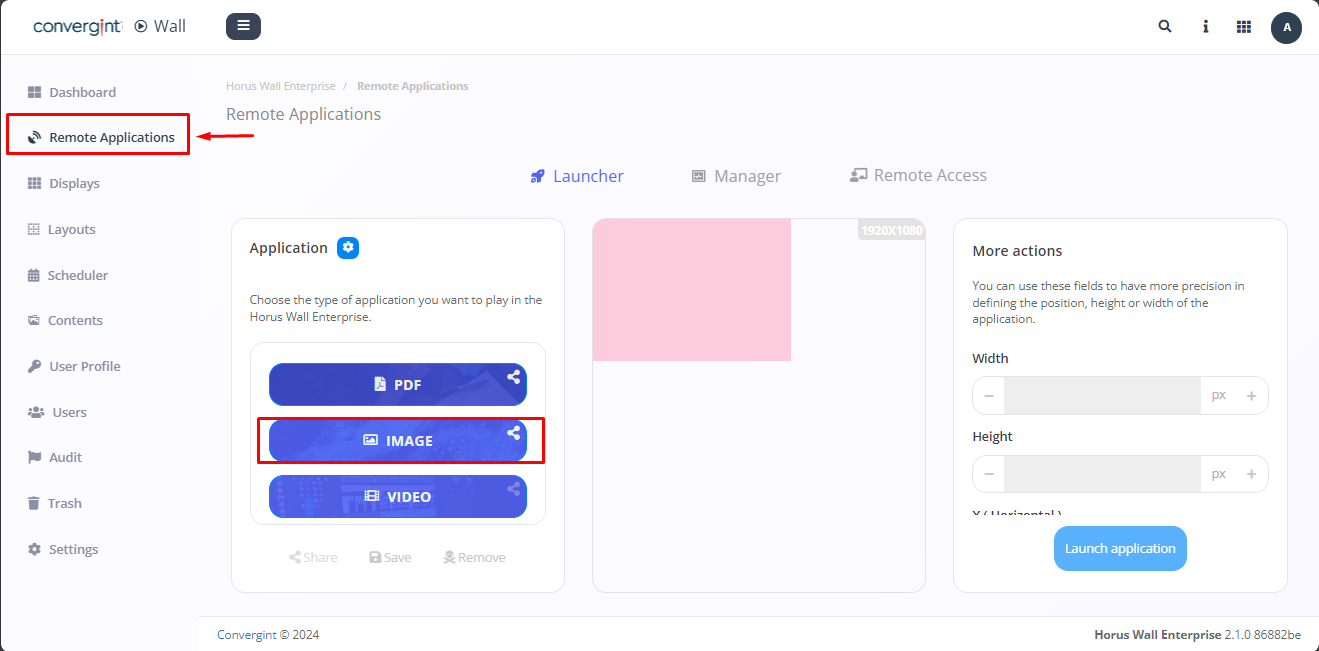
After following the previous steps, simply click on the "Remove" option (highlighted) inside the subdirectory.

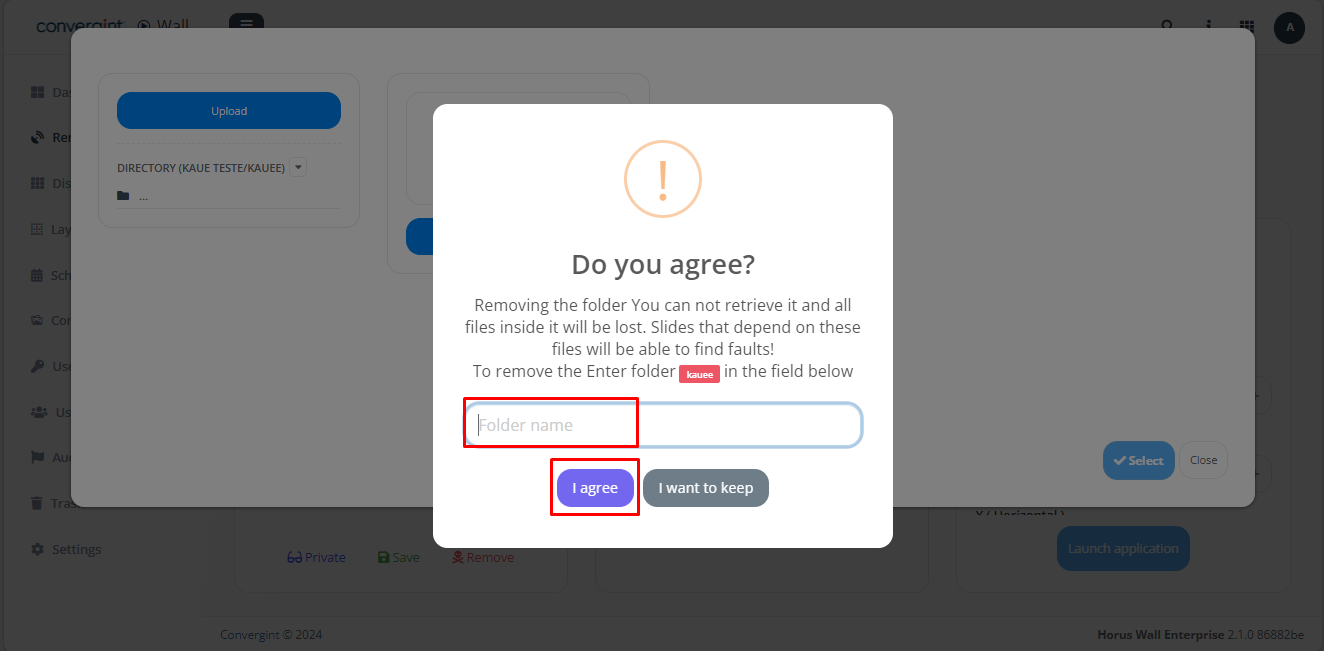
Once you have done this, you will be presented with the option to confirm the removal. To proceed, enter the name of the subdirectory and click "I agree" (highlighted).
That's it, your subdirectory is removed, to remove the directory just follow the same procedures with the directory that will be removed.